Scanned Document Typing Services: Everything You Need to Know
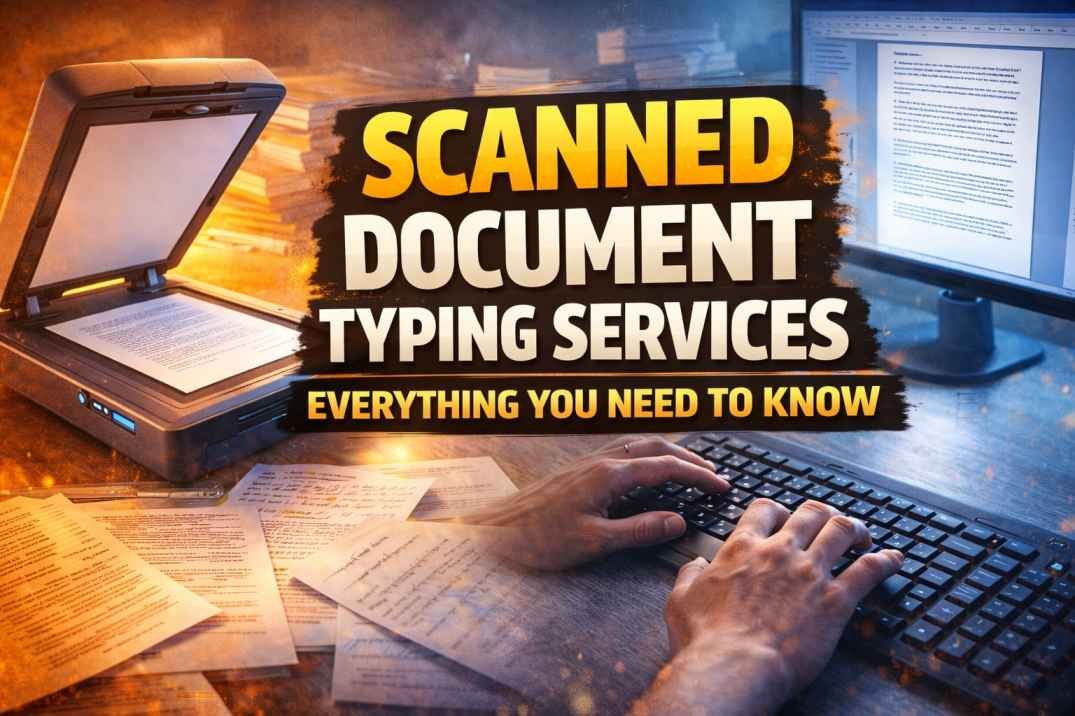
In today’s digital-first world, businesses, students, and professionals are increasingly shifting from physical paperwork to digital formats. However, many important documents still exist in scanned or image formats, making them difficult to edit, search, or share efficiently. This is where scanned document typing services play a crucial role.
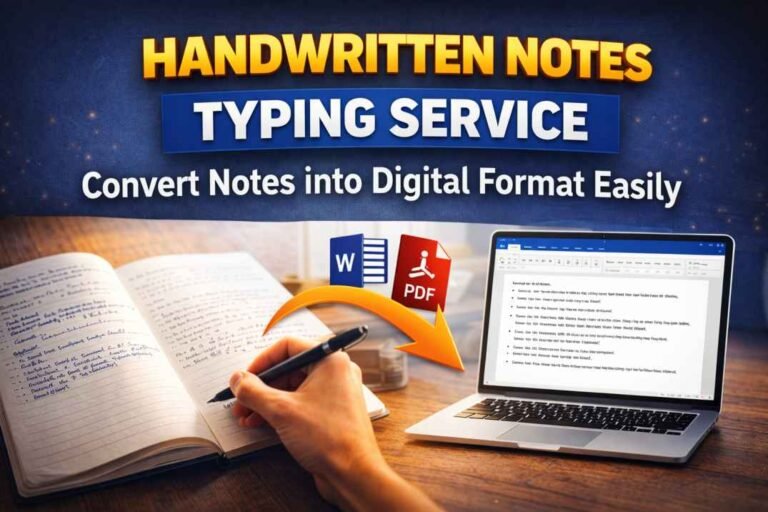
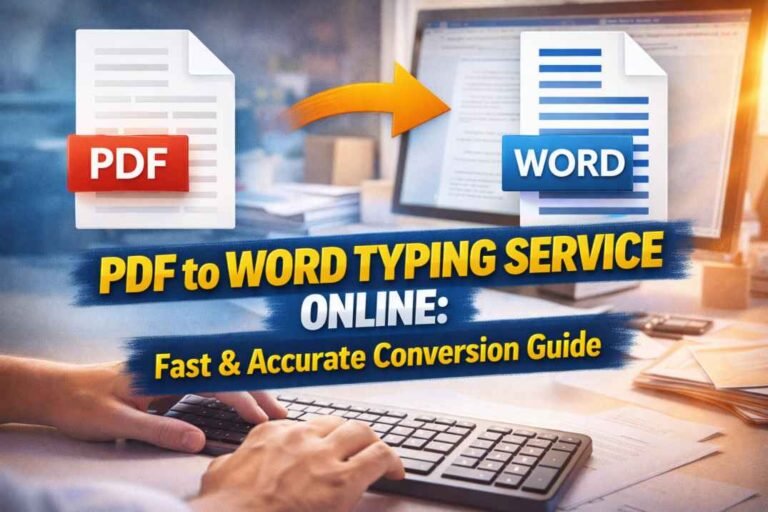
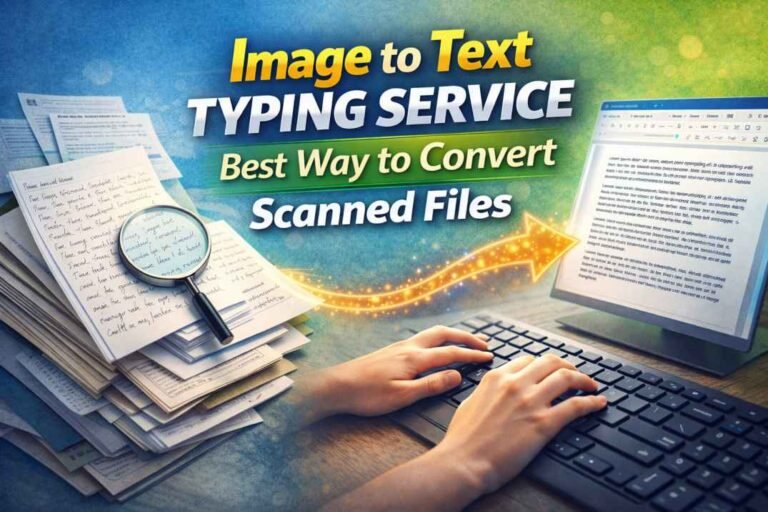
These services help convert scanned images, PDFs, and handwritten documents into editable digital formats such as Word, Excel, or text files. Whether it’s business records, academic notes, legal documents, or historical archives, scanned document typing services ensure accuracy, accessibility, and convenience.
This comprehensive guide will help you understand everything about scanned document typing services, including how they work, their benefits, use cases, and how to choose the right provider.
What Are Scanned Document Typing Services?
Scanned document typing services involve converting non-editable documents—such as scanned PDFs, images, or handwritten notes—into editable and structured digital formats.
Unlike automated tools, professional typing services often involve manual input or a combination of manual and OCR (Optical Character Recognition) technology to ensure high accuracy.
Common Output Formats:
- Microsoft Word (DOC/DOCX)
- Excel spreadsheets
- Text files
- Searchable PDFs
These services are widely used by businesses, students, researchers, and organizations that need accurate digital documentation.
Why Are Scanned Document Typing Services Important?
Many organizations still rely on paper-based or scanned documents. Converting them into editable formats offers several advantages.
1. Improved Accessibility
Digital documents can be easily accessed, searched, and shared across devices.
2. Better Organization
Structured files make it easier to manage and store data.
3. Time Efficiency
Manual retyping of large documents can be time-consuming. Professional services save significant time.
4. Data Preservation
Digitization helps preserve important records for long-term use.
5. Enhanced Productivity
Editable documents allow quick updates, edits, and collaboration.
How Scanned Document Typing Services Work
Understanding the process helps you appreciate the value of these services.
Step 1: Document Submission
Clients provide scanned files, images, or PDFs.
Step 2: Assessment
The service provider evaluates document quality, complexity, and formatting requirements.
Step 3: Conversion Process
- OCR software extracts text (if applicable)
- Manual typing ensures accuracy
- Formatting is applied as per requirements
Step 4: Quality Check
Documents are proofread and verified for errors.
Step 5: Delivery
Final files are delivered in the desired format.
This structured workflow ensures accuracy and consistency in output.
Types of Documents That Can Be Converted
Scanned document typing services are versatile and can handle a wide range of documents.
Business Documents:
- Invoices and receipts
- Reports and presentations
- Contracts and agreements
Academic Documents:
- Handwritten notes
- Research papers
- Assignments and dissertations
Legal Documents:
- Case files
- Agreements
- Court records
Medical Records:
- Patient reports
- Prescriptions
- Medical histories
Personal Documents:
- Letters
- Certificates
- Diaries
Manual Typing vs OCR Technology
There are two main approaches used in scanned document typing services.
OCR (Optical Character Recognition)
OCR software automatically extracts text from images or scanned files.
Advantages:
- Faster processing
- Cost-effective
- Suitable for clear, printed text
Limitations:
- Struggles with handwritten or unclear documents
- May produce errors in formatting
Manual Typing
Manual typing involves human input to convert documents.
Advantages:
- High accuracy
- Better handling of complex formatting
- Ideal for handwritten or low-quality scans
Limitations:
- Time-consuming
- Slightly higher cost
Most professional services use a hybrid approach to balance speed and accuracy.
Key Features of High-Quality Services
When choosing scanned document typing services, look for the following features:
Accuracy
High accuracy (99% or above) is essential, especially for legal and business documents.
Formatting Precision
Maintaining original formatting, including tables, headings, and layouts.
Confidentiality
Secure handling of sensitive information.
Fast Turnaround
Timely delivery based on project requirements.
Customization
Ability to meet specific formatting or file requirements.
Benefits of Outsourcing Scanned Document Typing
Outsourcing offers several advantages over in-house conversion.
Cost Savings
Hiring full-time staff for typing tasks can be expensive.
Time Efficiency
Outsourcing allows you to focus on core tasks.
Expertise
Professional typists ensure accuracy and quality.
Scalability
Handle large volumes of documents easily.
Common Challenges and Solutions
Poor Scan Quality
Blurry or low-resolution images can affect accuracy.
Solution:
Use high-resolution scanning or provide clear images.
Handwritten Documents
Difficult to interpret handwriting.
Solution:
Choose services specializing in manual typing.
Complex Formatting
Tables, charts, and layouts can be tricky.
Solution:
Work with experienced providers who handle advanced formatting.
Industries That Use Scanned Document Typing Services
These services are widely used across various industries:
Corporate Sector
For digitizing records and improving workflow.
Education
For converting notes, assignments, and research materials.
Legal Industry
For maintaining accurate and editable case documents.
Healthcare
For managing patient records digitally.
Government Organizations
For digitizing archives and official records.
Tips to Choose the Right Service Provider
Selecting the right provider ensures quality results.
Check Experience
Look for providers with proven expertise.
Review Samples
Evaluate sample work to assess accuracy.
Compare Pricing
Ensure value for money without compromising quality.
Verify Data Security
Ensure confidentiality of your documents.
Look for Reviews
Customer feedback can help you make informed decisions.
Cost of Scanned Document Typing Services
Pricing depends on several factors:
- Document complexity
- Volume of work
- Turnaround time
- Formatting requirements
Basic projects may cost less, while complex documents with detailed formatting may cost more.
Future of Scanned Document Typing Services
With advancements in technology, the future of scanned document typing services looks promising.
Emerging Trends:
- AI-powered OCR tools
- Automation with higher accuracy
- Cloud-based document management
- Integration with business workflows
Despite automation, human expertise will remain essential for accuracy and quality.
DIY vs Professional Services
Some individuals prefer converting documents themselves using OCR tools.
DIY Approach:
- Suitable for small tasks
- Limited accuracy
Professional Services:
- Ideal for large or complex projects
- Higher accuracy and reliability
For critical documents, professional services are always recommended.
Best Practices for Better Results
To get the best output from scanned document typing services:
- Provide clear and high-quality scans
- Specify formatting requirements
- Communicate deadlines clearly
- Review final documents thoroughly
Conclusion
Scanned document typing services have become an essential solution in today’s digital landscape. They bridge the gap between physical and digital documentation, making information more accessible, editable, and organized.
From businesses and educational institutions to legal and healthcare sectors, these services offer significant advantages in terms of efficiency, accuracy, and productivity.
By choosing the right service provider and understanding the process, you can ensure high-quality results that meet your specific needs. As technology continues to evolve, scanned document typing services will only become more advanced, helping individuals and organizations manage their data more effectively.
If you regularly deal with scanned or handwritten documents, investing in professional typing services can save time, reduce errors, and streamline your workflow for the long term.