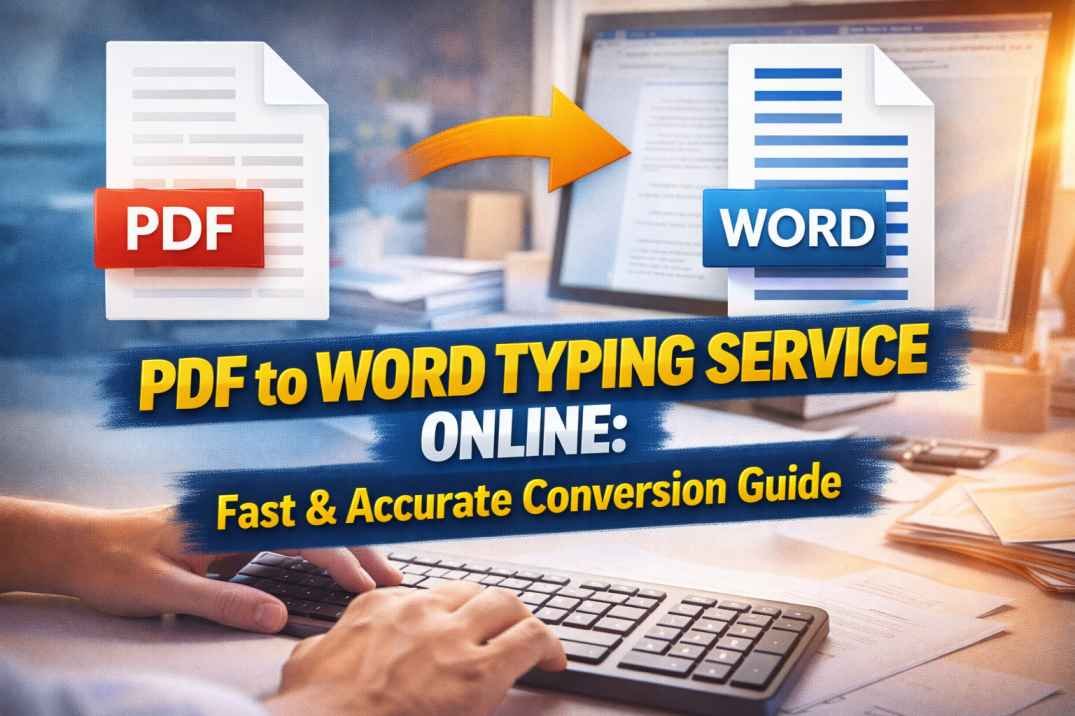
PDF to Word Typing Service Online: Fast & Accurate Conversion Guide
In today’s digital world, documents are shared and stored in multiple formats, with PDF being one of the most widely used. While PDFs are excellent for preserving formatting and security, they are not always easy to edit. This is where a PDF to Word typing service becomes essential.
Whether you are a student, business owner, legal professional, or content creator, converting PDF files into editable Word documents can save time, improve productivity, and enhance workflow efficiency. This guide will help you understand everything about PDF to Word typing services, their benefits, processes, and how to choose the right service.
What Is a PDF to Word Typing Service?
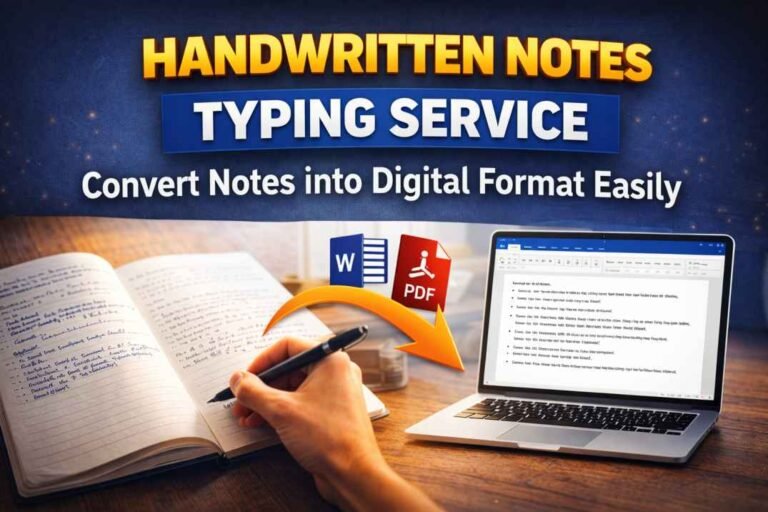
A PDF to Word typing service is a professional solution that converts non-editable PDF documents into fully editable Word files. Unlike automated tools, these services often involve manual typing or advanced formatting techniques to ensure accuracy and preserve the original layout.
Such services are particularly useful when dealing with:
- Scanned documents
- Handwritten notes converted to PDF
- Complex layouts with tables, images, or charts
- Legal or academic documents requiring precision
The goal is to deliver a Word document that matches the original PDF in both content and formatting.
Why You Need a PDF to Word Typing Service
Many people assume that free online converters are sufficient, but they often fail when dealing with complex or scanned documents. A professional PDF to Word typing service offers several advantages.
First, it ensures high accuracy. Automated tools may misread characters or distort formatting, especially in scanned files. Manual typing eliminates these errors.
Second, it preserves formatting. Professional services recreate tables, fonts, spacing, and alignment to match the original document.
Third, it saves time. Instead of manually retyping large documents, you can outsource the work and focus on more important tasks.
Finally, it provides flexibility. Once converted, the document can be easily edited, updated, and reused.
Types of PDF Documents That Require Typing Services
Not all PDFs are created equal. Some are simple text-based files, while others are complex and require professional handling.
Scanned PDFs are among the most common types requiring typing services. Since they are essentially images, automated tools struggle to extract text accurately.
Handwritten PDFs also need manual typing to ensure clarity and correctness.
Documents with complex formatting, such as tables, graphs, and multi-column layouts, require careful recreation to maintain structure.
Legal and official documents demand high precision, making professional typing services the best choice.
How PDF to Word Typing Service Works
Understanding the process can help you appreciate the value of professional services.
The process typically begins with document assessment. The service provider evaluates the complexity, length, and formatting requirements of the PDF.
Next comes the conversion stage. This may involve manual typing, OCR (Optical Character Recognition), or a combination of both.
After conversion, formatting is applied to ensure the Word document matches the original layout.
Quality checks are then performed to eliminate errors and ensure accuracy.
Finally, the completed document is delivered to the client in editable Word format.
Benefits of Choosing a Professional Service
Opting for a professional PDF to Word typing service offers several benefits.
Accuracy is one of the biggest advantages. Professionals ensure that every word, number, and symbol is correctly typed.
Consistency in formatting ensures that the document looks professional and organized.
Confidentiality is another important factor. Reputable services maintain strict data privacy and security.
Scalability allows businesses to handle large volumes of documents efficiently.
Time efficiency helps individuals and organizations complete tasks faster.
Manual Typing vs Automated Conversion
One of the key decisions when converting PDFs is choosing between manual typing and automated tools.
Automated tools are quick and cost-effective but may lack accuracy, especially for complex documents.
Manual typing, on the other hand, ensures precision and better formatting but may take more time.
A combination of both methods is often used by professional services to achieve the best results.
Common Challenges in PDF to Word Conversion
Converting PDFs is not always straightforward. Several challenges can arise during the process.
Poor scan quality can make text difficult to read, leading to errors.
Complex layouts with multiple columns, images, and tables can be difficult to replicate.
Special characters, symbols, and fonts may not convert correctly.
Language barriers and handwritten content can further complicate the process.
Professional services are equipped to handle these challenges effectively.
Who Can Benefit from PDF to Word Typing Services
A wide range of users can benefit from these services.
Students can convert study materials and notes into editable formats.
Businesses can digitize records and improve document management.
Legal professionals can convert contracts and case files.
Researchers and academics can edit and update documents بسهولة.
Freelancers and content creators can repurpose content efficiently.
Choosing the Right PDF to Word Typing Service
Selecting the right service provider is crucial for achieving the desired results.
Look for providers with proven experience and positive reviews.
Ensure they offer high accuracy and quality assurance.
Check their turnaround time to meet your deadlines.
Evaluate pricing to ensure it fits your budget.
Confirm their data security policies to protect sensitive information.
A reliable service provider will offer a balance of quality, speed, and affordability.
Cost Factors in PDF to Word Typing Services
The cost of a PDF to Word typing service depends on several factors.
Document length is a primary factor, as longer documents require more time and effort.
Complexity of formatting can increase costs.
Urgency or faster turnaround times may come with additional charges.
Language and technical content may also affect pricing.
Understanding these factors helps you plan your budget effectively.
Tips for Better Results
To get the best results from a typing service, follow a few simple tips.
Provide clear and high-quality PDF files.
Specify formatting requirements in advance.
Communicate deadlines clearly.
Review the final document carefully and request revisions if needed.
These steps ensure a smooth and satisfactory experience.
Future of PDF to Word Conversion
With advancements in technology, PDF conversion is becoming more efficient. AI-powered tools and improved OCR technologies are enhancing accuracy and speed.
However, manual typing services will continue to play a crucial role for complex and high-precision documents.
The demand for reliable PDF to Word typing service solutions is expected to grow as digital documentation increases.
Conclusion
Converting PDF documents into editable Word files is an essential requirement in today’s digital environment. While automated tools may work for simple tasks, professional services provide the accuracy, formatting, and reliability needed for more complex documents.
A trusted PDF to Word typing service can save time, improve efficiency, and ensure high-quality results. Whether you are handling academic work, business documents, or legal files, investing in a reliable service is a smart decision.
By understanding the process, benefits, and key considerations, you can choose the right service and make document conversion fast, accurate, and hassle-free.